
The Ultimate Parent Guide to Creating Highlight Videos for Coaches
$49
Step-by-step guide for athletes and parents to film, edit, and share standout videos that get noticed by coaches.
✅ Built for beginner parents and athletes — no tech skills needed
🎥 Covers every step: filming, editing, hosting, and sharing
🧠 Learn what coaches actually want to see (and what turns them off)
🛠 Includes free editing tools like Clipchamp and CapCut
📩 Bonus templates for emails, tracking coaches, and re-edit timelines
🔍 SEO-focused and mobile-optimized guide to help your video get seen
🚫 Avoid common mistakes that hurt your athlete’s chances
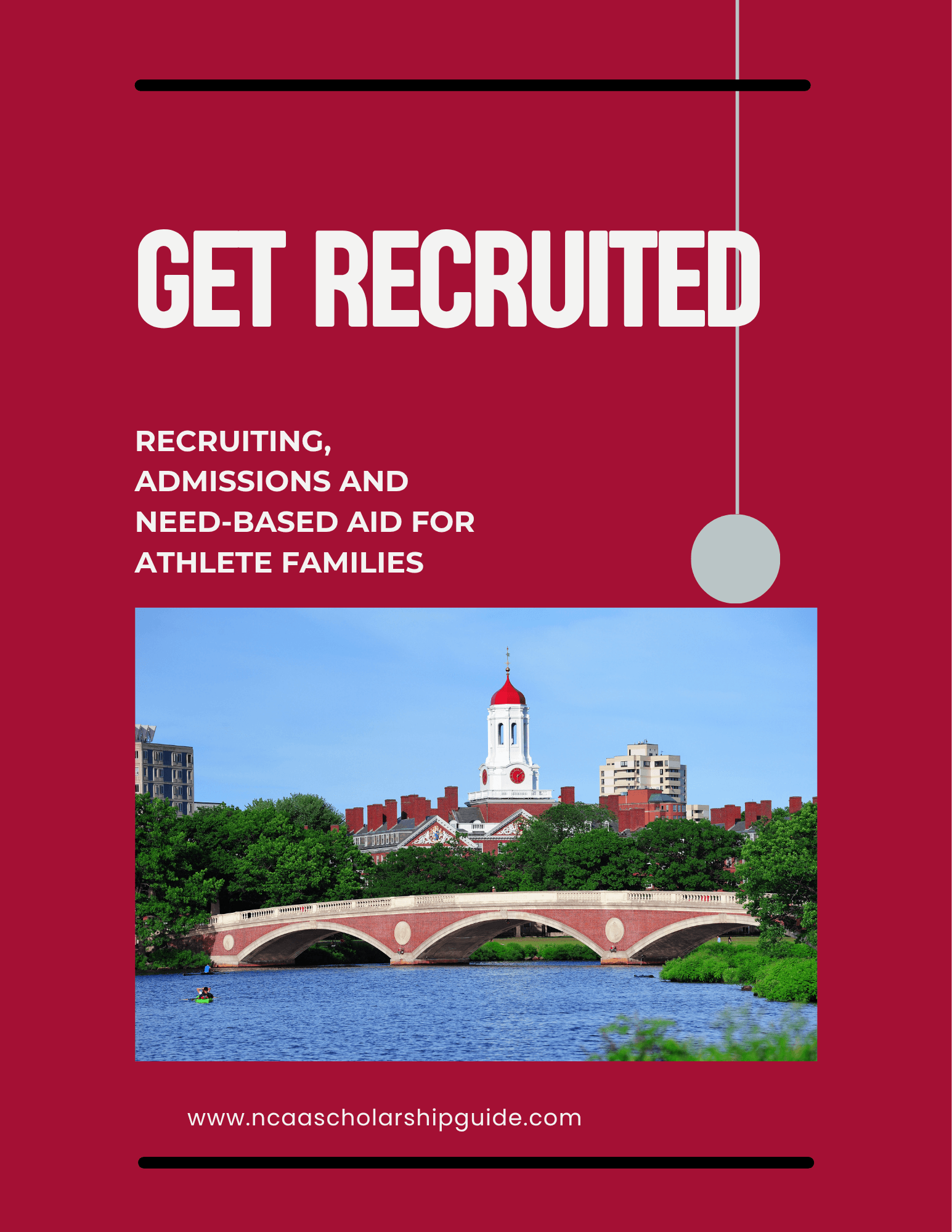
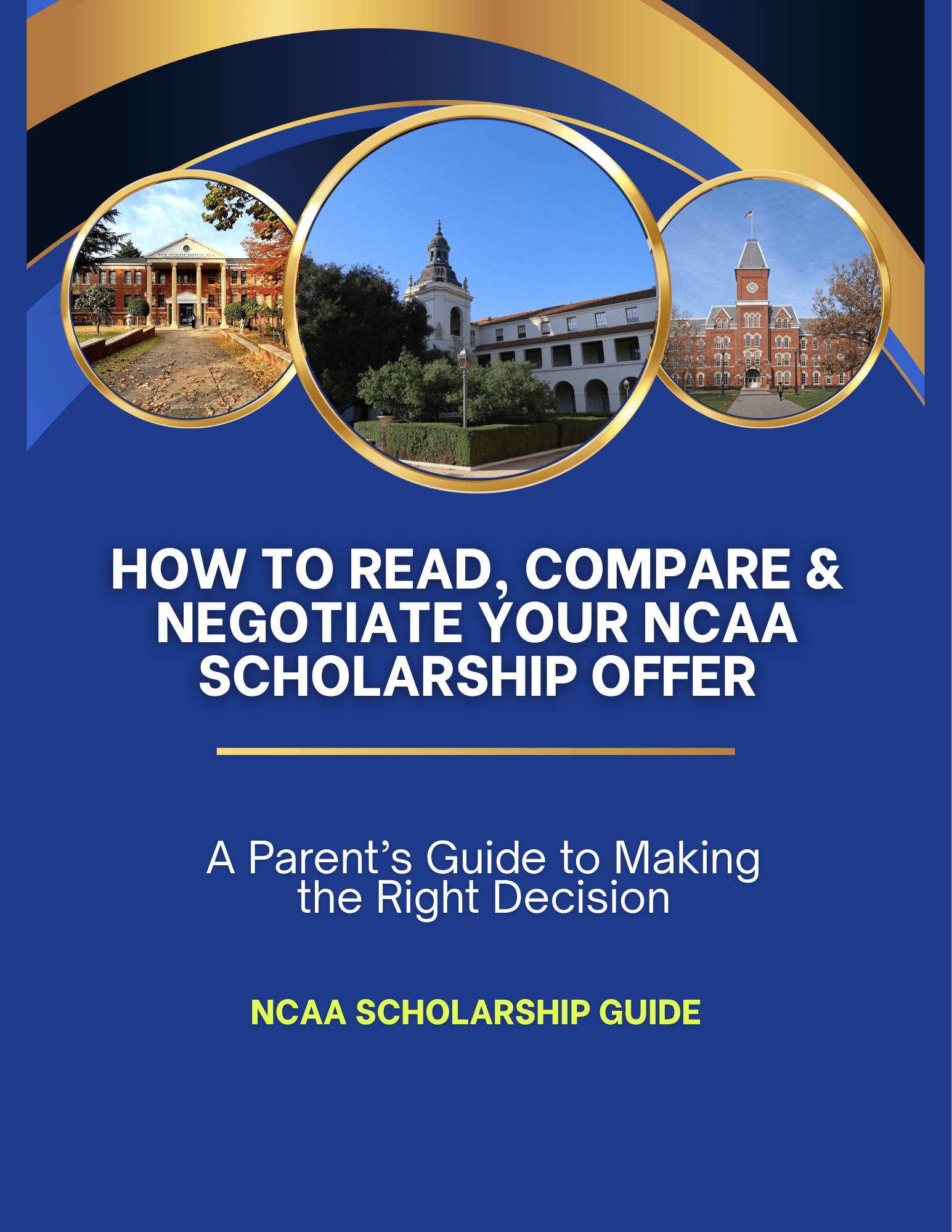
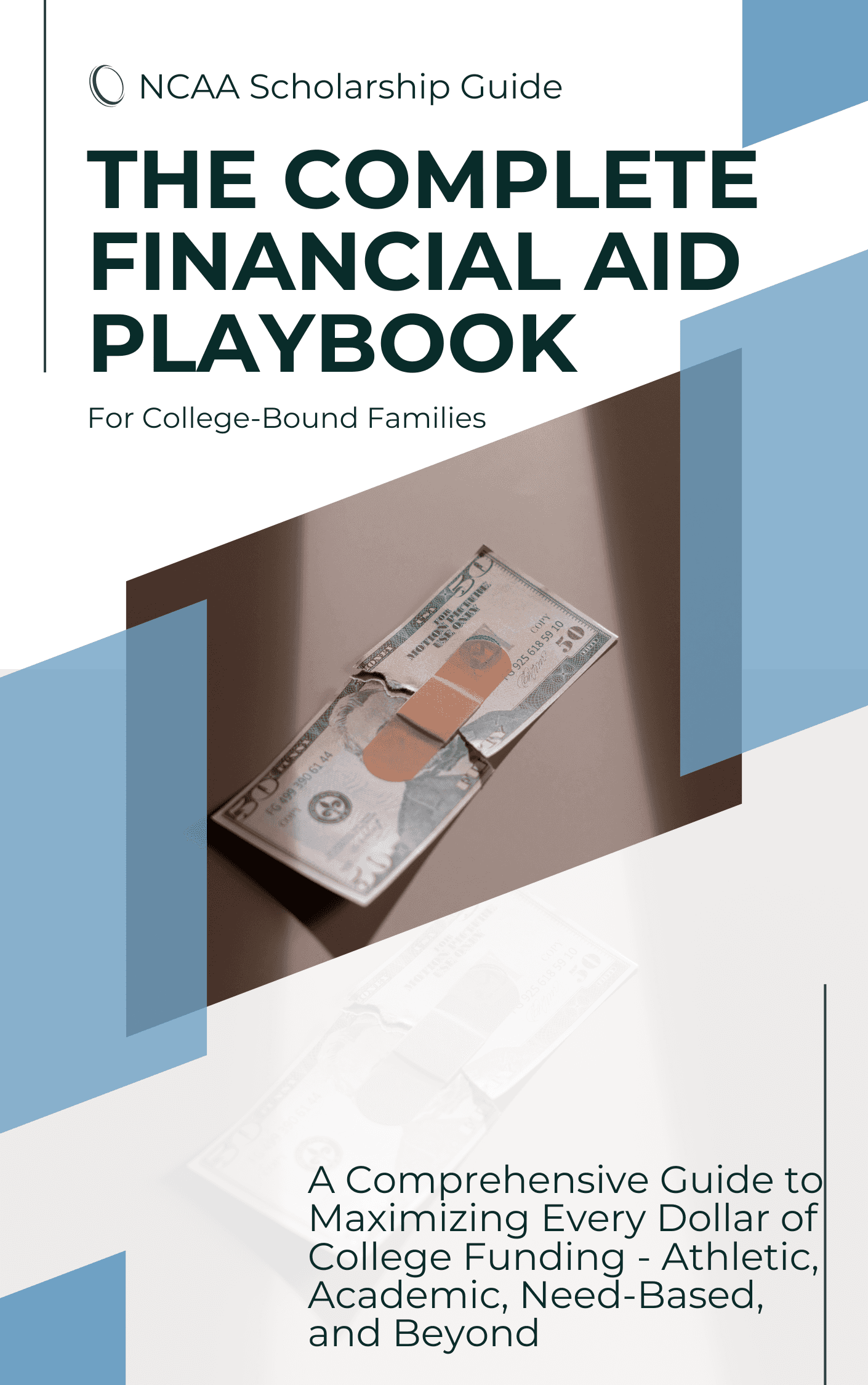
Other goods you might like
Stay Ahead of the Game — Join our Parent Insider List
Get expert tips, NCAA recruiting insights, and early access to new guides — straight to your inbox.
Your privacy is important to us. You'll only receive valuable content and updates from us.